Clone Tower Shop, Cash, VIP, and Admin Buys
Turn summit cash into clones, slap tools, and longer-term paths without wasting a save that persists.
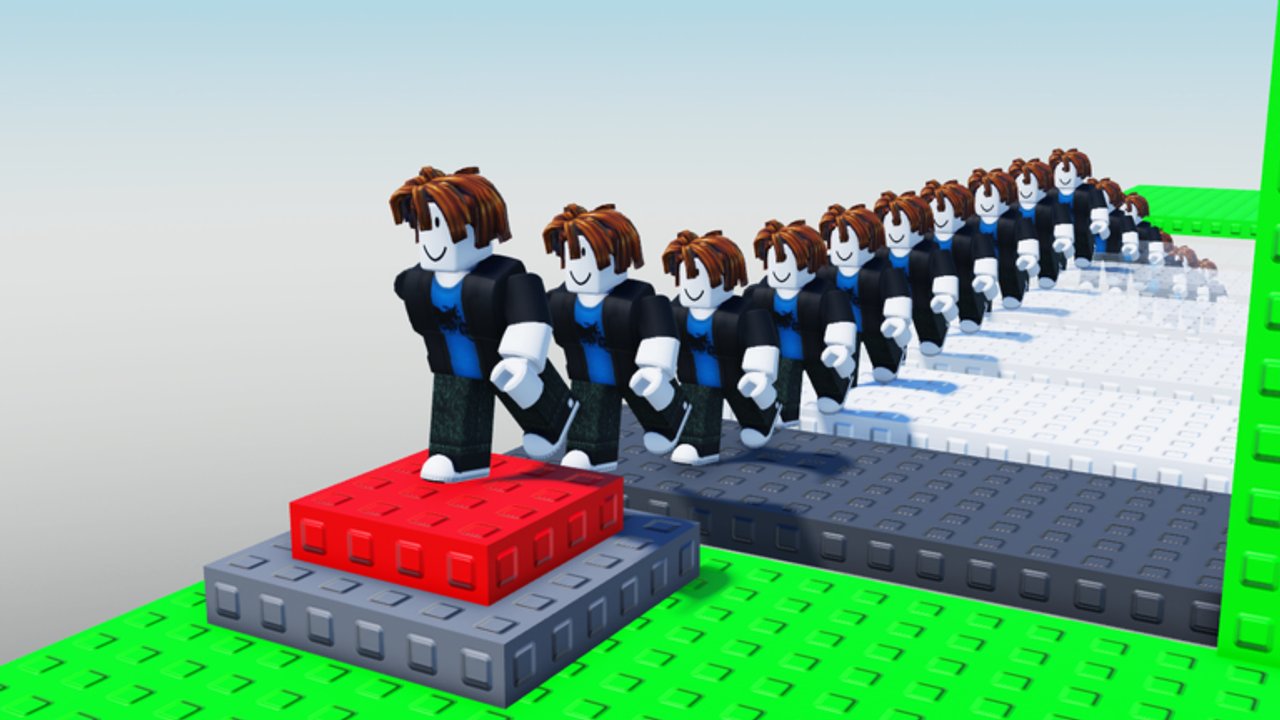
Clone Tower’s progression loop is simple to say and easy to waste: climb, earn cash from strong runs, then buy more clones, stronger slap options, and any VIP or admin-style paths the current build exposes. This shop and economy guide keeps that loop grounded in Bax-style systems seen around this Okay Games place — buy clones, scale armies, spend on tools, respect persistence — while refusing to paste sister-game loot tables as confirmed fact.
Earn the currency with Reach the Top and Summit Rewards. Survive long enough to spend it using Hazards, Beat Trolls, and Clone Mechanics. Compare tool priorities on Slap Tools and clone upgrade thinking on Clone Upgrades. New players should finish Getting Started and Controls before dumping cash into vanity buys.
Economy pillars for this place
- Cash from climbs — strong summit attempts and progression play fund the shop.
- Clone purchases — expand follower count so you can scale armies toward CLONE king fantasy.
- Slap tools as cash sinks — offense and peel options that also create new hazards if misused.
- VIP / paid clones — premium or paid follower options reported in community play; confirm live.
- Admin-style paths — longer-term shortcuts or privileges mentioned after progression; confirm live.
- Persistence — progress and purchases save across desktop, mobile, and tablet for the same account.
If a row in your client does not match a name on this page, trust the client.
Buy clones and scale armies
Clones are the identity buy. Early cash often feels best when it unlocks a modest follower pack you can actually steer. Larger armies help as blockers and decoys on contested mid-tower shelves, but they also create congestion hazards when they stand on your landing tile or when several players pack the same choke.
Spend rules of thumb:
- Unlock capacity when you already clear the lower third cleanly.
- Add size when you can keep followers off your personal lane.
- Pause expansion if frame drops or self-blocks are ending more runs than slap tools.
Deep spawn and follow behavior lives on Clone Mechanics. Ranking notes for upgrades sit on Clone Upgrades.
Slap tools as intentional cash sinks
Slap tools are not side cosmetics. They are the designed troll expression of the experience and one of the main places cash disappears. A good buy clears campers from your landing, peels a chase on a summit push, or protects a friend. A bad buy starts twenty-second edge duels that void you more often than they help.
Before you purchase:
- Name the death pattern you are solving (range? campers? no peel?).
- Check whether you have recovery space habits from Beat Trolls.
- Compare options on Slap Tools instead of buying the loudest chat flex.
Remember: every tool you own can also be used against you by someone who bought the same line earlier.
VIP, paid clones, and admin paths
Community playthroughs commonly mention VIP or paid clone options and admin-flavored paths after players bank summit progression. Treat these as confirm-in-client systems:
- Open the shop and any path UI in your current server.
- Note prices and what actually unlocks before you plan a multi-session budget.
- Do not assume Roblox Premium alone grants every VIP row — read the prompt.
Admin-style access, if present in your session, is a progression or purchase outcome — not a license to ruin new-player ladders for an entire lobby. Etiquette boundaries live on Troll Meta.
Speculative sister-experience labels — confirm in your live inventory. Names such as Flying Carpet, Lucky Block, Void Slap, HD Admin, Invisibility Cloak, Ability Slap, or Electric Slap appear in sister-tower descriptions and community chat. They are not a confirmed Okay Games Clone Tower loot table. Never present My Mom Studios “Clone Troll Tower” item lists as facts for place 140293690452727.
Persistence warning: purchases stick
Progress and purchases save across devices. That is great when you make a thoughtful buy on PC and continue on mobile. It is painful when you tilt-spend after three void deaths and wake up stuck with a loadout that does not match your skill. Rules:
- Never shop immediately after a revenge death.
- Recalibrate controls after device switches even though the inventory carried over.
- If a friend pressures you into a flex buy, wait one clean climb first.
Codes are not an economy shortcut
There are no verified public promo codes for this Clone Tower place. Do not paste lists from Clone Tower Defense or random social thumbnails into the shop and expect free cash. Honest status lives on the Codes Hub. Official group and place destinations sit on the Links Hub.
A practical spend order for most players
- Stabilize movement with Controls — free and high ROI.
- Buy a small clone pack you can steer (see Clone Mechanics).
- Add one slap option that fixes your most common camper or peel problem (Slap Tools).
- Reinvest in clone capacity only after self-blocks are rare.
- Consider VIP / paid / admin-style rows only after you have seen them in-client and understand the trade.
- Re-check Summit Rewards and Updates after patches so prices and rows still match your plan.
Budget mistakes that stall CLONE king progress
- Maxing clones before you can land on clear tiles.
- Buying every slap skin or name variant without a defensive plan.
- Planning around sister-game item names you have never opened in this place.
- Ignoring traffic and slap density — economy cannot fix a run you refuse to space (Hazards).
- Expecting codes to refill a wasted wallet.
How shop goals change by session type
Quiet practice lobby: spend on clones and movement confidence; minimize slap drama. Full 30-player lobby: value peel tools and controlled clone cover; expect cash to feel tighter because deaths are denser. Badge push: freeze cosmetic spends; only buy what protects a WINNER attempt.
Server-feel context also appears on the Players hub.
Related pages
Return to the Guides Hub for the full learning order. Earn payouts via Reach the Top and Summit Rewards, survive with Hazards and Beat Trolls, and rank buys on the Tier List pages linked above.
Spend like the next climb matters more than the chat flex. In Clone Tower, the shop only feels strong when your feet — and your clones — still know where to stand.
Frequently Asked Questions
Quick answers to the most common Clone Tower questions.
What should I buy first in the Clone Tower shop?
Usually a modest clone pack you can steer, then one slap option that fixes your most common death pattern. Confirm current rows in your client before copying any influencer shopping list.
Do Clone Tower purchases save across devices?
Yes. Progress and purchases save across desktop, mobile, and tablet for the same Roblox account. Recalibrate controls after switching devices even though the inventory carries over.
Are VIP, paid clones, and admin paths real?
Community play commonly reports VIP or paid clone options and admin-style paths after progression. Open the live shop and path UI to confirm prices and unlocks — do not assume a sister-game list.
Can I use promo codes for free cash or tools?
There are currently no verified public promo codes for this place. Clone Tower Defense codes do not apply. Check the Codes Hub for honest updates.
Why did buying more clones make my climbs worse?
Large armies create congestion and can block your own landings. Expand capacity only after you can keep followers off your personal lane — see Clone Mechanics and Hazards.