Clone Tower Guides
Walkthroughs for climbing Troll Clone Tower X, managing clones, surviving hazards, and spending summit cash.
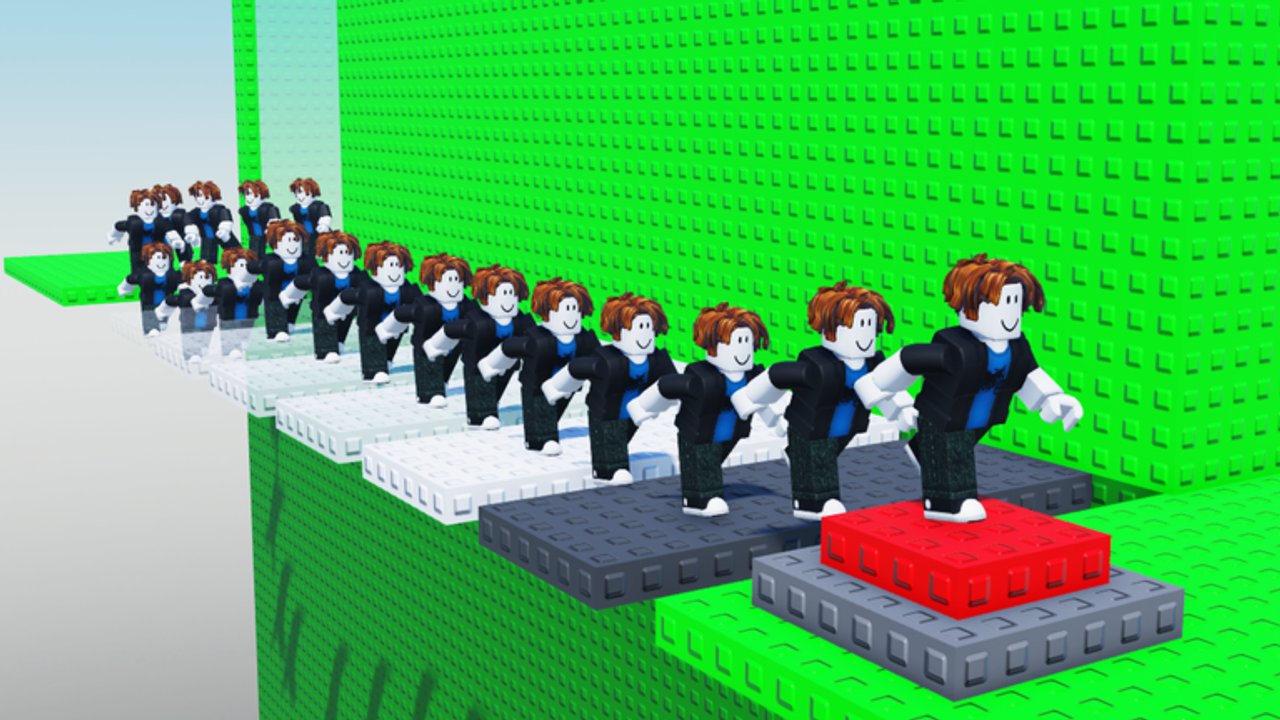
Welcome to the Guides Hub for Clone Tower (also called Troll Clone Tower X) by Okay Games Studio Inc. Cooperation. This Roblox tower obby mixes parkour, clone armies, and slap-based trolling. Servers hold up to 30 players. Your job is simple to say and hard to finish: climb the tower, keep your footing when someone swings a slap tool, and reach the summit so you can become the CLONE king.
This hub is the map for every how-to on the wiki. Start with onboarding if you just joined, then dig into clone systems, platform controls, troll defense, hazard taxonomy, a full summit route, badge rewards, and shop spends. Cross-link these pages while you play — each guide assumes the others exist and points you to the next skill you need.
Who these guides are for
New players who just earned the WELCOME badge need a calm first-hour plan. Returning players who keep falling to slap tools need movement and spacing tips. Veterans chasing cleaner WINNER badge runs want clone timing, route discipline, hazard reading, and ways to spend cash on stronger tools without wasting progress that saves across devices. Progress and purchases persist on desktop, mobile, and tablet, so you can practice on one device and finish a climb on another.
Start here
- Read Getting Started for lobby orientation, early goals, and what the first climb should feel like.
- Learn Controls so jump timing, camera, and the clone button feel natural on PC or touch.
- Study Clone Mechanics to understand spawn, follow behavior, and why more clones change both defense and offense.
- Use Beat Trolls when slap tools and void knockbacks are ending your runs.
- Read Hazards for the full threat taxonomy: slap knockbacks, clone congestion, void falls, crowded traffic, and clearly labeled unverified trap talk.
- Follow Reach the Top when you are ready to commit to a full summit attempt.
- Check Summit Rewards for WELCOME versus WINNER, cash and tool payoffs, and confirm-in-client VIP or admin notes.
- Open Shop & Economy before you spend — clone buys, slap sinks, VIP options, and persistence warnings live there.
What Clone Tower actually asks of you
The official pitch is short: test your skills, avoid trolls trying to make you fall, and try to become the CLONE king. In practice that means reading platforms carefully, deciding when to spawn clones as blockers or distractions, treating every crowded ledge as a PvP zone, and banking summit cash without tilt purchases. Cash, slap tools, extra clones, and VIP or admin paths show up in community playthroughs after strong climbs — treat those as long-term goals confirmed in your live client, not day-one guarantees copied from sister towers.
Like the experience and join the creator group for update signals. This wiki tracks those signals on the Updates Hub and Changelog. For promo code status (currently no verified public codes for this place), see the Codes Hub. Official destinations live on the Links Hub.
How to use this hub while you climb
Open one guide per session goal. If you keep dying mid-tower, do not jump straight to summit advice — fix controls feel, hazard spacing, and troll defense first. If you can climb but cannot convert a top finish into better tools, re-read Summit Rewards and Shop & Economy. If a friend is griefing your run with slap tools, practice the defensive habits on Beat Trolls and the threat list on Hazards before blaming the route.
Guide quality rules we follow
Every leaf guide aims for practical depth: sectioned walkthroughs, failure cases, and FAQs that match real searches (how to spawn clones, how to stop getting slapped, how to finish the tower, what WINNER grants). We only embed real YouTube playthroughs mid-article, never invented video IDs. Internal links always use trailing slashes and point at pages that exist. Sister-experience loot names stay behind speculative banners.
Suggested learning order
Hour one: Getting Started plus Controls. Hour two: Clone Mechanics while you experiment in quieter servers. Hour three: Beat Trolls and Hazards in a populated lobby so you feel real knockback and traffic pressure. Hour four: Reach the Top attempts until a clean crest sticks. Hour five and beyond: Summit Rewards plus Shop & Economy so WINNER cash becomes clone capacity and smarter slap options instead of impulse buys.
When the group announces a patch, return here after skimming Updates — movement or tool changes can invalidate old habits overnight. Bookmark this Guides Hub, then dive into the leaf pages above whenever a climb stalls.
Frequently Asked Questions
Quick answers to the most common Clone Tower questions.
Which Clone Tower guide should I read first?
Start with Getting Started, then Controls. Add Clone Mechanics once you can jump consistently, open Beat Trolls and Hazards when slap knockbacks and traffic become common, then Reach the Top, Summit Rewards, and Shop & Economy.
Do these guides cover PC and mobile?
Yes. The Controls guide covers keyboard, mouse, and touch layouts. Progress and purchases save across desktop, mobile, and tablet for the same Roblox account.
Is Clone Tower the same as Clone Tower Defense?
No. This wiki covers Clone Tower (Troll Clone Tower X), the tower obby by Okay Games Studio Inc. Cooperation. Do not mix its codes, badges, or mechanics with tower-defense titles that share similar names.
Where do I track patches, rewards, and codes?
Use Updates and Changelog for patches, Summit Rewards and Shop & Economy for post-crest spends, and the Codes Hub for promo status — currently no verified public codes for this place.
What are the newest guide pages on this hub?
Hazards covers threat taxonomy and survival drills. Summit Rewards explains WELCOME versus WINNER and confirm-in-client payoffs. Shop & Economy covers clone buys, VIP or admin paths, slap sinks, and purchase persistence.